
A customer sends back one of two shirts. The store owes them a partial refund, but the returned shirt has a damaged seam and can’t go back into stock. If the returns screen treats “refund” and “restock” as one action, the next customer may buy a shirt the store can’t ship.
WooCommerce lets you record a refund, issue money through a supported gateway, and restock selected items. A reliable returns workflow makes those choices explicit so the order record, payment provider and stock count tell the same story.
Decide what happened to the money
According to the WooCommerce guide to refunding orders, an automatic refund sends the money back through a supported payment gateway. A manual refund records the refund in WooCommerce; you still have to return the money separately. A refund entry in the order screen alone doesn’t prove the customer received anything.
For example, if a staff member already refunded a customer in the payment provider’s dashboard, record it manually in WooCommerce and note the provider reference. If the provider hasn’t refunded the payment and supports refunds from WooCommerce, use the gateway option instead. If either screen is unclear, reconcile the two records before trying again.
Decide what happened to the item
Restocking answers a warehouse question: is a specific unit available to sell again? Check that the item came back and passed inspection. If the return is still in transit or the item is damaged, leave it out of sellable inventory even if the merchant has already issued a refund.
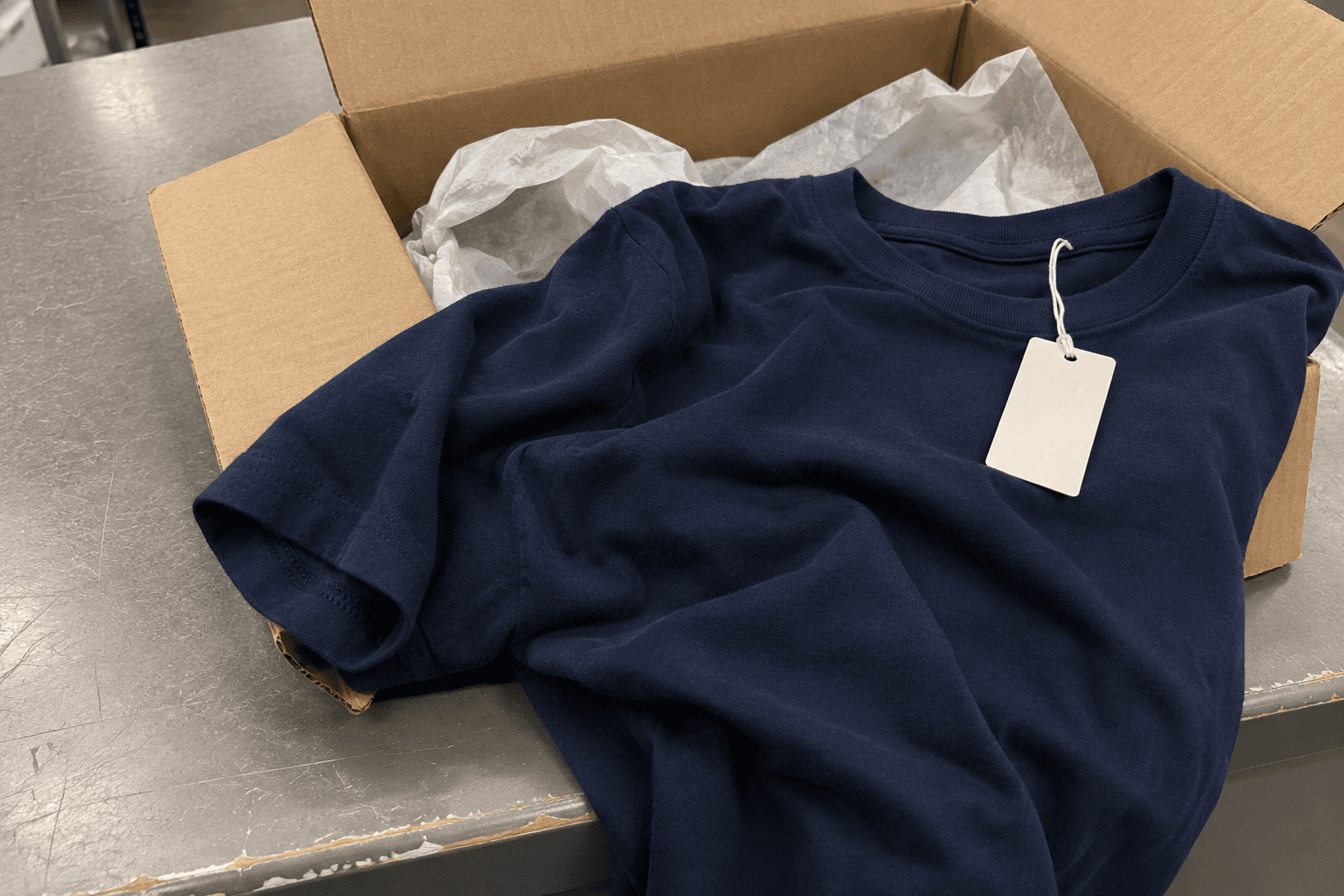
A navy shirt with a plain tag lies across an open shipping box on a scuffed counter. Fictional AI-generated editorial image.
Fictional editorial photo: a returned garment opened for inspection.
Suppose an order contains two shirts at PKR 2,000 each before any separately recorded charges. One shirt comes back damaged. Record the refund for that line and the applicable amounts, leaving the restock option off. If the shirt is in sellable condition, restock one unit of the exact size and colour that came back. If you inspect returns after refunding them, make the later inventory adjustment through a separate, recorded step so the same return can’t be added twice.
Price concessions need their own path too. If the shopper keeps a shirt and you return PKR 400 for a minor defect, there’s no unit coming back. Refund the agreed amount and leave stock alone.
Set the WooCommerce REST API options explicitly
The WooCommerce order refunds API reference documents the POST endpoint at /wp-json/wc/v3/orders/{order_id}/refunds. The api_refund flag controls whether WooCommerce calls the gateway, and api_restock controls restocking of the selected line items. The reference lists both as true by default, so set them deliberately in your integration.
- For a refund already completed outside WooCommerce, set api_refund to false when recording it. Set api_restock independently based on what happened to the item.
- For a supported gateway refund of a damaged item, use api_refund true and api_restock false.
- For a sellable return, verify the order line and returned quantity before enabling api_restock, particularly when multiple variants share the same product title.
Check remaining refundable quantities and amounts, especially on orders that already have a partial refund. The API reference notes that an explicit amount overrides line item totals. If your integration sends both, reconcile them with shipping, tax and discounts first so the payment amount reflects what staff approved.
Handle timeouts as an unknown outcome
A timeout after a refund request doesn’t tell you whether it failed. Your service might have missed a response after the gateway or WooCommerce recorded the refund. Record each intended operation under a unique internal reference before sending it. On an ambiguous response, check the order’s refund records and the payment provider before allowing a retry. If they don’t settle the question, ask staff to reconcile it rather than transmitting the same refund again.
- Test a partial refund with two variants and confirm the correct variation changes stock.
- Test a manual refund and verify that it records the WooCommerce adjustment without issuing another gateway refund.
- Test a damaged return and a price concession and confirm neither increases stock.
- Simulate a timeout after submitting a refund and verify that the workflow shows an unresolved state rather than sending a second request.
For related work on WooCommerce order integrations, see my Swarm Rewards plugin project. If your team has to reconcile returns across WooCommerce, a payment gateway and a stock system, I can help map out where each update belongs and what staff should see when one is delayed.