A client portal often starts with a simple request: let customers upload a document. Then someone asks whether invoices are private, whether staff can preview PDFs, and what happens when an upload fails halfway through.
Those questions belong in the first version of the feature. A useful upload form needs a clear journey from selecting a file to storing, reviewing, downloading and eventually deleting it. Here is how I would plan that journey for a Laravel application.
Start with one real business task
Imagine a supplier portal where a supplier sends an invoice against a purchase order. Accounts staff need to review it, while other suppliers should have no access. For this example, assume the business accepts PDF invoices up to 10 MB. These are proposed requirements, not universal limits.
Before writing the controller, agree on who can upload, which purchase orders accept documents, who can replace a file, and when old versions should disappear. An invoice attached to the wrong order is still a problem even when the file itself is harmless.
Validate the file on the server
A file picker can explain the accepted format, but the server must enforce it. Laravel’s File::types(['pdf'])->max('10mb') rule is one way to express this example’s type and size requirements. Add a required rule when the document is mandatory.
Laravel checks the file’s contents to infer its MIME type. That does not mean it has proved the document is harmless, and it does not automatically require the filename extension to match. Add extension validation separately if your requirements call for it.
The details and supported options are in Laravel’s file validation documentation. Use the documentation version that matches your application; the references here use Laravel 13.x.
Write the error message for the person uploading the invoice: “Please upload a PDF smaller than 10 MB.” That gives them a next step. Also check the hosting and PHP request limits so the request can reach Laravel in the first place.
Keep private documents out of public storage
Laravel distinguishes its public disk from other storage configurations. The public disk is designed for publicly accessible files; the default local disk in the referenced documentation uses storage/app/private. Check your actual configuration, especially in an older application.
For our supplier example, store the document on an explicitly selected private disk, then save its disk, generated path, supplier, purchase order and status in a database record. Keep the original filename as display metadata rather than letting it choose the storage path.
See Laravel’s filesystem documentation for disk configuration, generated upload names and download responses.
Do not fix a private-document download problem by copying the upload directory into public/storage. First establish why the download route cannot access the intended disk. Product images and supplier invoices have different access requirements.
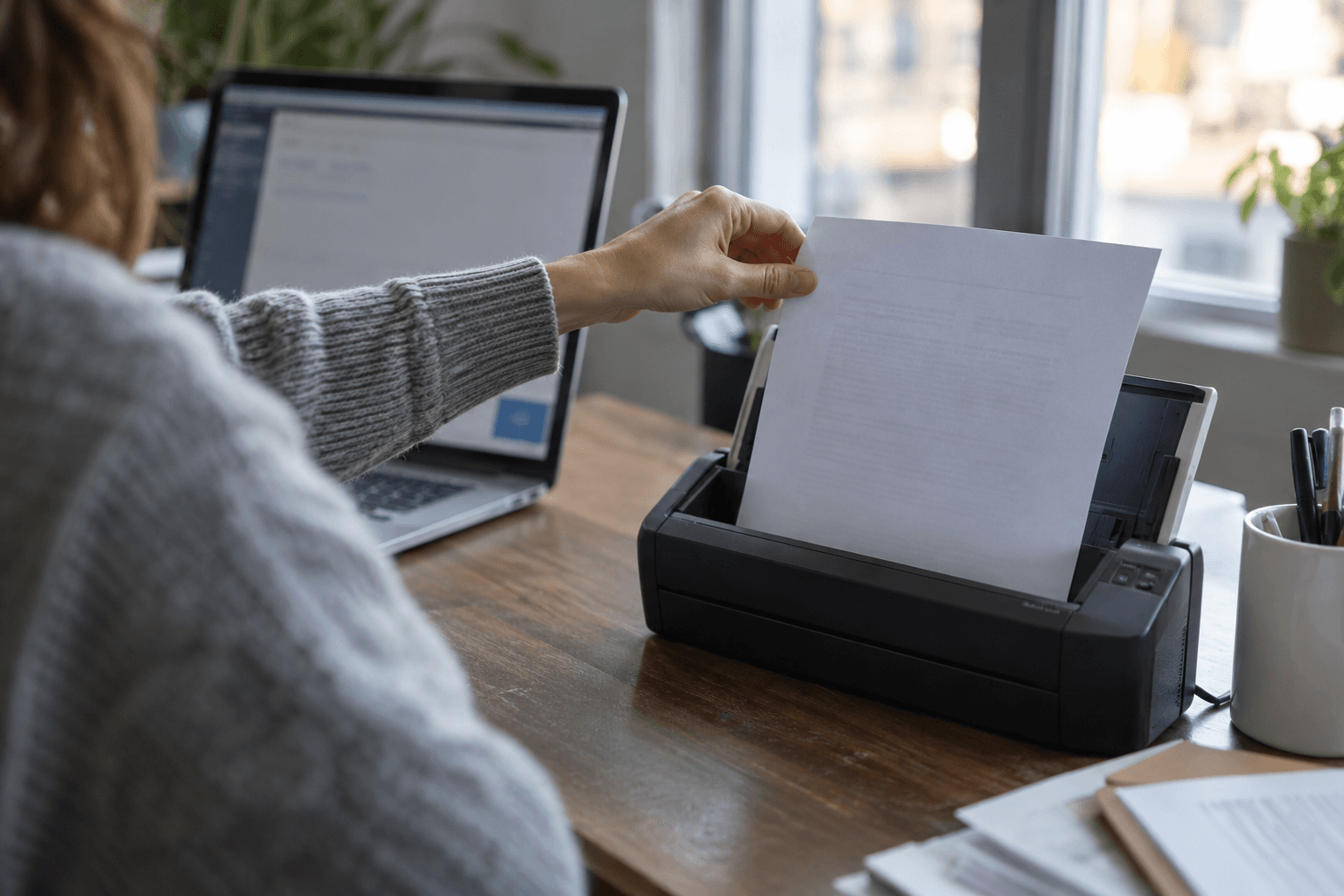
AI-generated photorealistic editorial image of a person feeding generic paperwork into a desktop scanner beside a laptop. Conceptual scene, not a client photograph.
Conceptual editorial image generated for this article; it does not show a client’s documents or application.
Check access again when someone downloads
A successful login establishes identity. The application still needs to decide whether that person can download this particular invoice. A Laravel policy can organise the document-level rule, including the supplier or company relationship.
Resolve the document record, apply its access policy, check that it is available, and only then return the download. Apply the relevant checks to previews, replacements and deletion too. Hiding a button does not enforce the server-side rule.
Laravel explains this distinction in its authorization documentation.
Temporary storage URLs can be useful after an access check. Treat them as shareable links until they expire; a short expiry does not establish who is opening them. If every request must recheck current access, use an authenticated application download route instead.
Decide what happens before a document is ready
OWASP’s file upload guidance recommends combining controls such as allowed file types, generated filenames, size limits, restricted storage and malware scanning where available. A single validation rule is not the whole defence.
For a portal that requires scanning, I would use explicit states: pending scan, available, rejected and scan failed. A failed scan service should leave the document unavailable for review and trigger a retry or staff action, rather than quietly marking it safe.
This is a proposed workflow, and the right scanning arrangement depends on the documents and hosting. Keep processing tools updated, restrict upload permissions, and decide what to do with rejected files. Avoid sending confidential documents to a public scanning service without evaluating its data handling.
There is a product decision here too: “Upload received; checks in progress” is more honest than “Ready” while a background job is still running. Accounts staff should see the same status as the supplier.
Test the cases that a tidy demo misses
A demo usually shows one valid upload from the correct account. Before launch, I would ask for these additional checks:
- A supplier can upload an accepted PDF to an eligible purchase order and see the expected status.
- An oversized or disallowed file produces a useful error and never becomes an available document.
- A second supplier cannot download, preview, replace or delete the first supplier’s invoice by changing its ID.
- An unauthenticated request cannot retrieve private documents.
- A failed storage write or scan does not leave a misleading success state.
- Replacing a document follows an agreed version policy, and deleting it handles both the record and stored file.
Laravel provides fake uploaded files and fake storage for automated checks in its HTTP testing documentation. Use those for repeatable application tests, then also check the real storage and server configuration in a controlled test environment.
Plan the handover as carefully as the upload
The person maintaining the portal needs to know where documents live, how failed jobs are noticed, and how long files are kept. Agree on a retention process for original files, versions and backups rather than leaving deletion to an occasional manual cleanup.
For the invoice example, I would finish the specification with a short walkthrough: supplier uploads, checks complete, accounts reviews, a permitted user downloads, and an authorised person replaces or removes the document. Each step should have an owner and a visible result.
For related Laravel application work, see my Maven Pro company intranet and operations platform project, which brings internal documents, tasks and permissions into one workspace. This checklist is general implementation guidance, not a security audit of that project.
If you are adding document uploads to a client portal or internal application, I’m happy to discuss the workflow and build the Laravel integration around the people who will use it.
Official references
Laravel file storage and temporary URLs
Documentation checked on 26 October 2026.