
An invoice arrives as a PDF. Someone opens it, finds the supplier, copies the invoice number, checks the total, and types everything into a portal. AI can help with that repetitive reading. The difficult part is deciding what the application should do when the document is unclear or the extracted values are wrong.
For a first version, I would build an assistant that prepares a draft record and shows its source. Approval would remain a separate action. That gives a small business a useful workflow without treating every model response as ready for the accounting system.
Define the record before choosing the prompt
Start with the fields the reviewer actually needs: supplier name, invoice number, issue date, currency, subtotal, tax amount, total, and line items where required. Include a place for missing values and review reasons. Do not require the model to invent a due date simply because the destination form normally contains one.
For each important value, preserve the original text as well as the normalized version. An ambiguous date such as 03/04/2026 should not silently become an ISO date without knowing the document’s date convention. Likewise, a currency symbol alone may not identify the currency.
My suggested data design separates three things: what the document appears to say, the application’s validation results, and the reviewer’s final decision. Mixing them into one “approved” field makes it much harder to explain a mistake later.
Structured output solves formatting, not factual accuracy
A schema-constrained response helps the application receive predictable fields and types. For example, Anthropic’s structured outputs documentation describes JSON output constrained to a supplied schema, with some JSON Schema limitations. Check the supported constraints for the API you use.
That is useful plumbing, but a correctly shaped string can still contain the wrong invoice number. Treat schema compliance as one check, then run separate checks against the document and your business rules. Also handle refusals, incomplete responses, timeouts, and provider errors before treating an extraction as complete.
Ask for null when a value is absent or unreadable. A missing value that goes to review is easier to handle than a plausible-looking guess that quietly enters a database. If you collect a model’s confidence estimate, treat it as a signal to evaluate, not a calibrated probability that the value is correct.
Choose how the application reads the PDF
Some invoices contain selectable text; others are scans or photographs. The input path needs to match that difference. Anthropic’s PDF support guide explains that its PDF processing combines extracted text with page images. This can help with layout, but it still has the limitations of visual interpretation.
Before sending a file, check its type, size, readability, and page count. Keep the original in private storage and authorize access to it. For a small pilot, support one invoice per upload and flag files containing several invoices. That makes the review and duplicate rules much easier to reason about.
Set sensible processing limits and show a clear failure state for password-protected, damaged, or unreadable files. Do not leave the user watching a spinner after the background job has failed. A failed extraction should offer a retry or a manual-entry path.
Use ordinary code for checks you can calculate
Suppose a sample document shows a subtotal of 10,000, a tax amount of 1,800, and a total of 11,800. The application can check that arithmetic directly. This is an illustrative calculation, not a tax rule.
- Validate dates and currency codes, and flag ambiguous source values rather than guessing.
- Represent monetary values with decimal-safe handling and the currency’s supported precision. Avoid binary floating-point arithmetic for totals.
- Reconcile line totals, discounts, tax amounts, shipping, and other charges according to the document’s structure.
- Apply a documented rounding tolerance where appropriate. Route unexplained differences to review.
- Match the supplier against an existing supplier record. A similar name should be a candidate match, not an automatic identity decision.
An arithmetic match does not prove the invoice is genuine or the supplier is correct. Its job is narrower: to catch certain extraction errors and inconsistencies. Keep the reason for each flag visible so a reviewer can resolve it efficiently.
Make review faster than starting from scratch
A useful review screen shows the document beside editable extracted fields. Highlight missing values, ambiguous dates, unmatched suppliers, and totals that do not reconcile. Let the reviewer jump to the relevant page when you have a reliable page reference. Treat model-supplied references as something to verify, too.
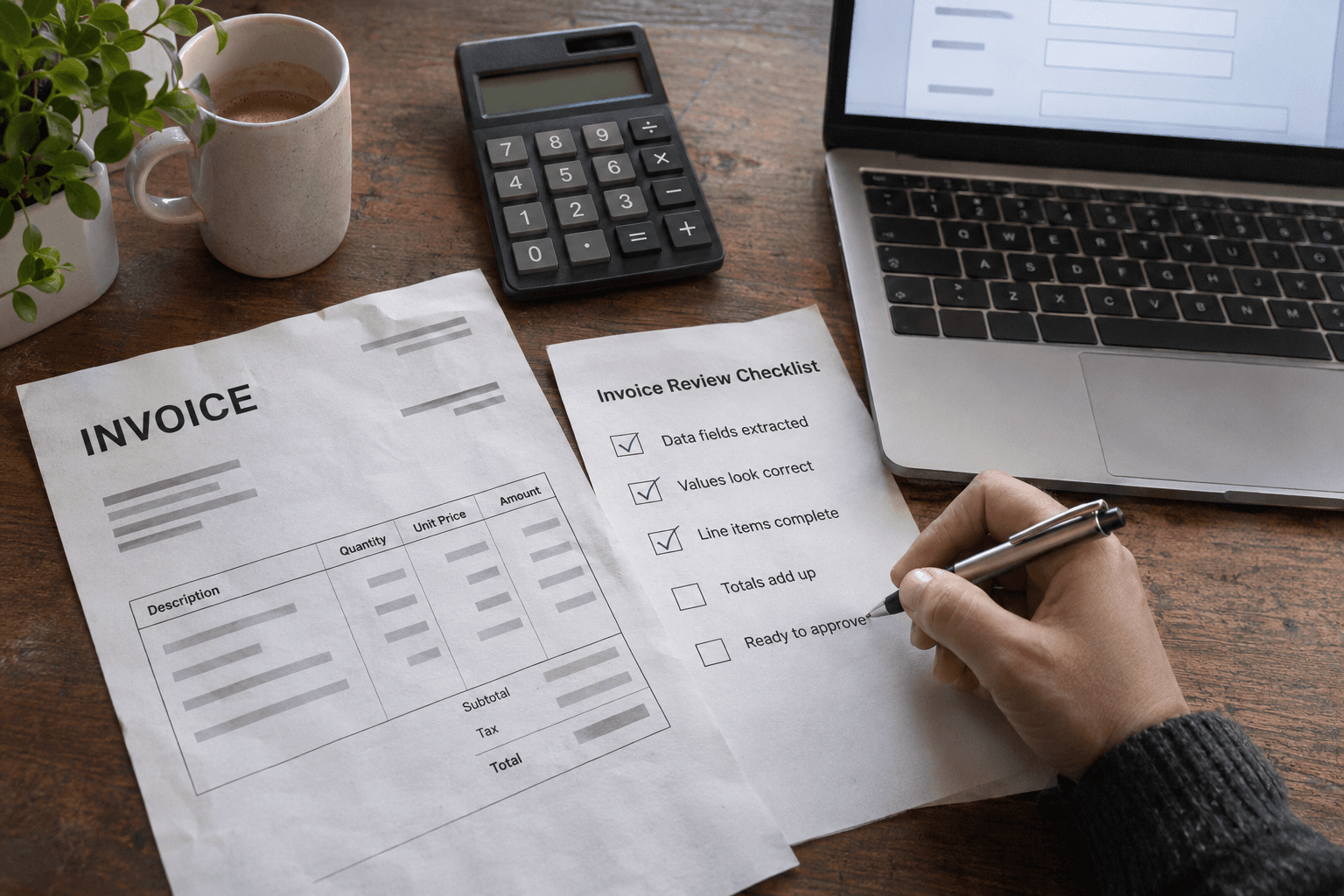
AI-generated photorealistic editorial scene of a person reviewing a generic invoice and paper checklist beside a laptop. Conceptual illustration of human review; not evidence of a real invoice approval or client system.
Conceptual AI-generated editorial image illustrating manual review of extracted invoice data. It is not a real client document or evidence of an approval.
Keep the original extraction when a person edits a value. Record who changed it, what changed, and when they approved the draft. If a document is processed again, save a new extraction version instead of overwriting an already reviewed decision.
For bank details or changes to supplier payment information, I would use a separate verification workflow. Reading information from an invoice should not authorize the system to change a trusted supplier record or initiate a payment.
Keep document text away from application authority
An uploaded document is untrusted input. It could contain text telling an AI system to ignore instructions or send data somewhere else. OWASP’s prompt injection prevention guidance covers this indirect injection risk and the need to enforce permissions outside prompt wording.
For this workflow, give the extraction step no payment, email, or supplier-update tools. It only returns candidate data. The server owns the rules for saving a draft, checking the current user’s access, and accepting an approval. Never take an organization ID or approval status from the extracted document as authority.
Send only the data needed for the task. Check the provider’s retention settings and your business’s requirements before using real documents. Keep API credentials server-side, restrict document access, and avoid logging full invoice contents when a job ID and error category would be enough.
Prevent duplicates at upload and export
A file hash can detect the exact same file uploaded twice. It will not detect the same invoice scanned again or re-exported as a different PDF. Add a second review check using a verified supplier and normalized invoice number, with amount and date as supporting evidence.
Do not automatically delete a suspected duplicate. Show the earlier record so a reviewer can distinguish a repeat upload from a correction, credit note, or numbering collision. Keep duplicate detection scoped to the right business account.
Use explicit states such as uploaded, processing, needs review, approved, and exported. When sending an approved record to another system, track its destination ID and use that system’s supported duplicate-prevention mechanism. A timeout should not invite the user to export the same record repeatedly.
Evaluate with a small, representative test set
- Include clean PDFs, skewed scans, low-resolution pages, different supplier layouts, and missing fields.
- Write down the correct values before evaluating the model. Reserve some examples for testing rather than prompt adjustment.
- Measure correctness per field, especially supplier, invoice number, currency, and total. A single overall score can hide an important weakness.
- Track review time, corrections per invoice, failed extractions, cost per completed record, and duplicate flags.
- Retest after changing the model, prompt, schema, or document-processing path.
Start with draft creation and review. Expand automation only when the measured results justify it and the recovery path is clear. A system that reliably prepares an inspectable draft can be valuable even when it deliberately stops short of final approval.
For related business application work, see my Maven Pro company intranet and operations platform. This invoice workflow is a proposed design, not a claim that the project includes invoice extraction. If you want to add a reviewable document-processing workflow to a Laravel portal, I’m happy to discuss it.
Primary documentation checked on 3 November 2026. Verify provider capabilities and data-handling settings for the API and model used in your implementation.